Sample TaskScapes
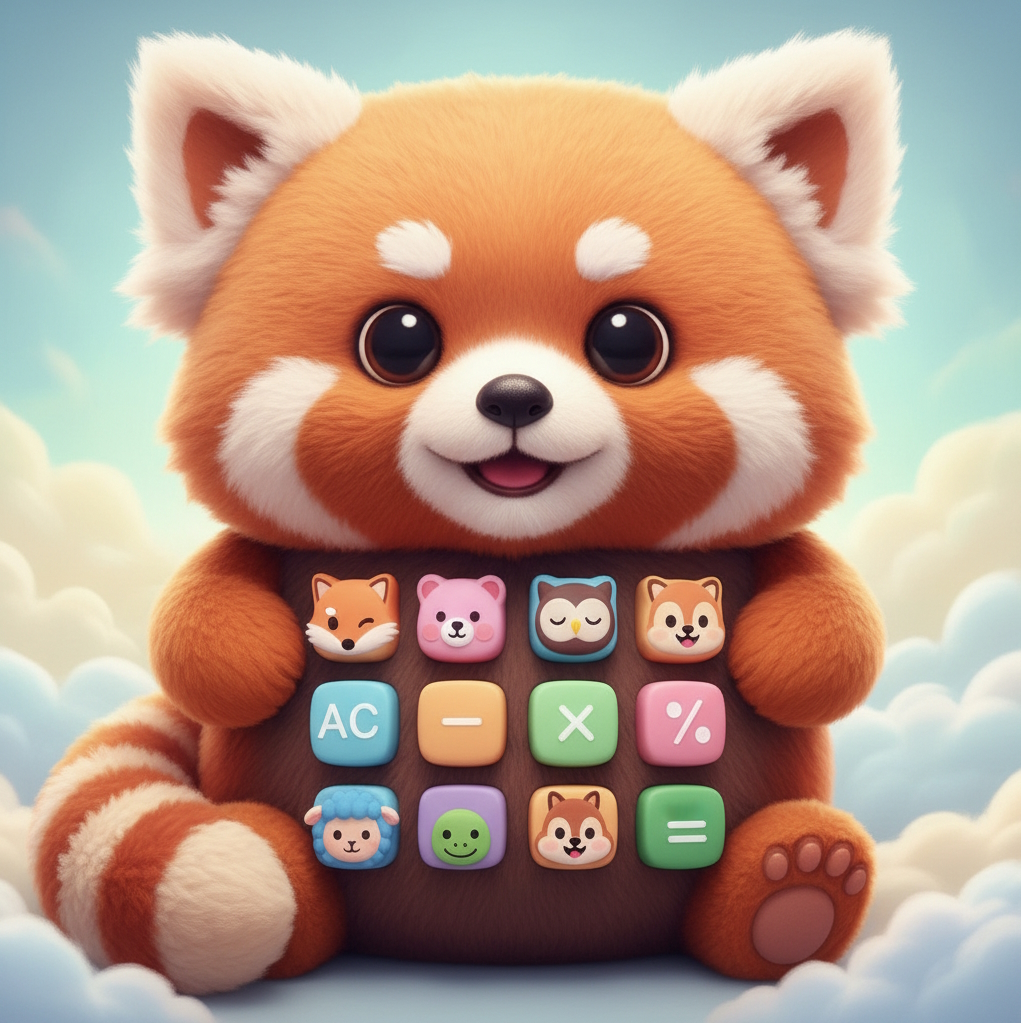
Browse example desktops and TaskScapes for gaming, photography, development, and everyday work. One example below shows exactly how “Theme + Style” keeps icons recognizable.
How themed icons keep their meaning
You choose a Theme and Style and describe your icon and TaskScapes generates something unique and awesome!
The Theme can be anything you want. Something specific or something abstract. Anything. You can choose from 100+ styles or describe one on the fly. Your mind and imagination are your only limits.
Don't want to use AI? You can choose any image and crop part or all of it to make your own icon. Simple and fast!
The rest of the page is just inspiration — click any example when you’re ready to see it larger.
Example desktops
These are real-world examples of the power, ease and beauty of TaskScapes.
Gaming
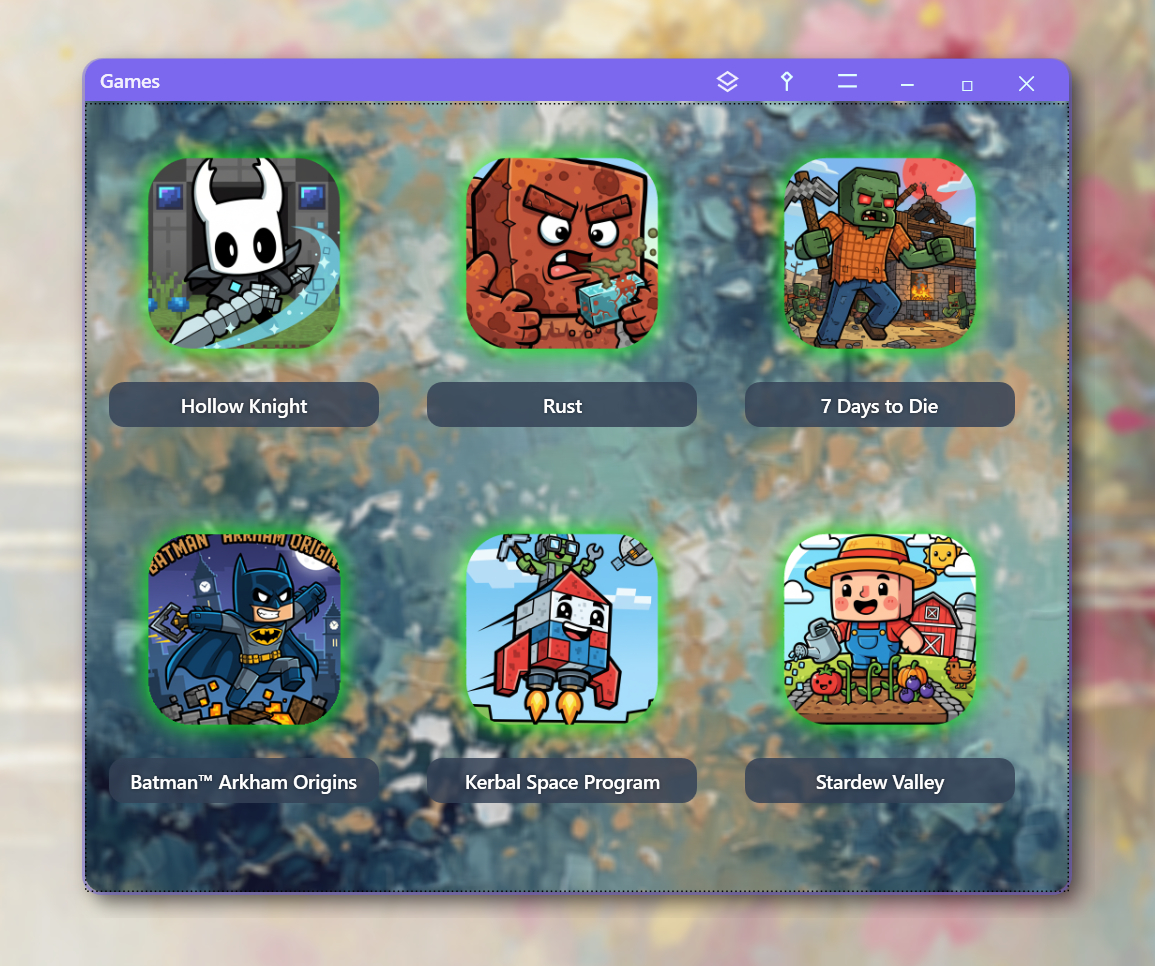
Put all your games on one TaskScape. Games from Steam, Epic, GOG and anywhere else--all together.
I used Minecraft for the Theme and Cartoon for the Style. Notice how the icons make sense.
Developer
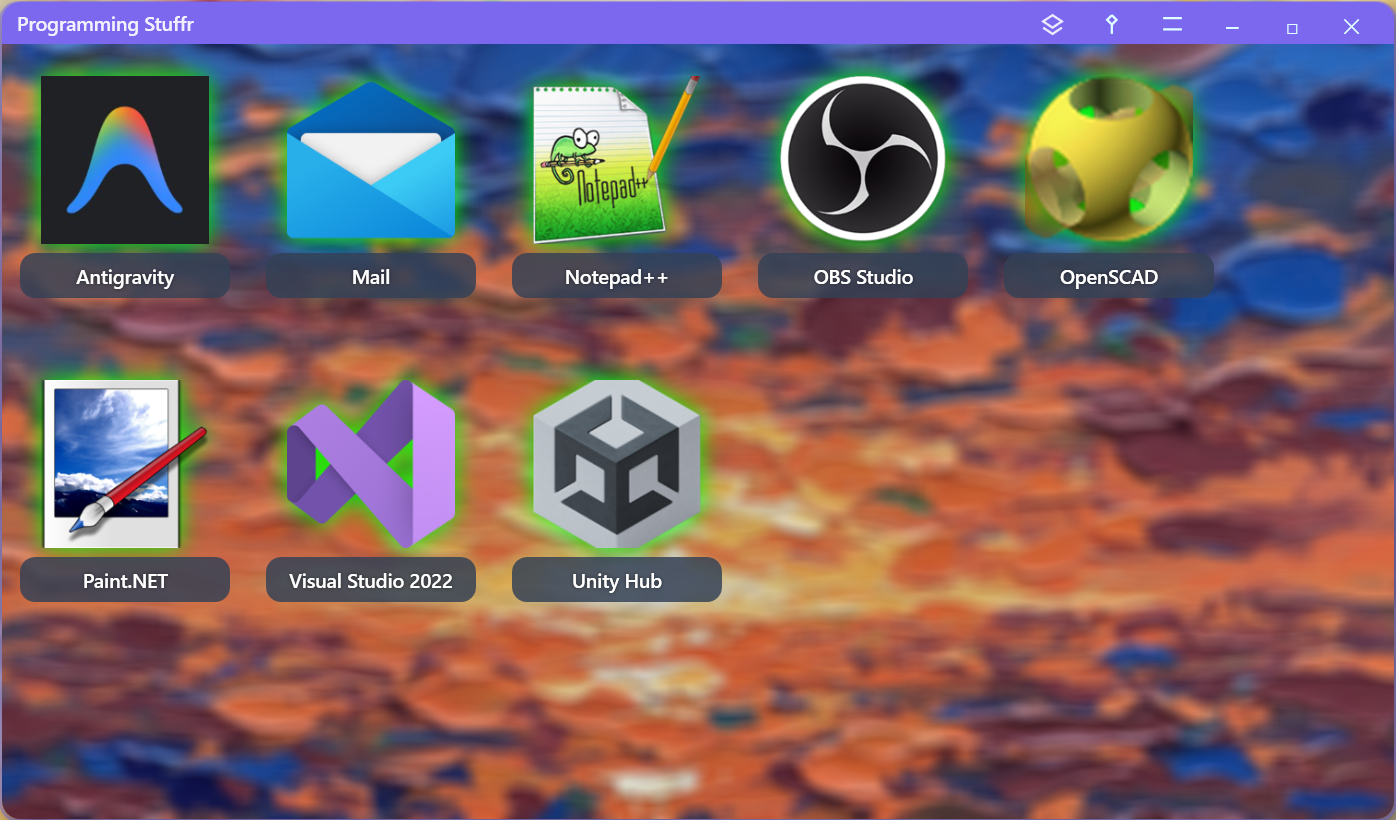
TaskScapes can contain applications, images, pdfs, files, folders and even weblinks. If you can click it you can add it.
To add an internet link, right click Add URL and type in the URL and name (in this case, ChatGPT.)
AI Generated Backgrounds
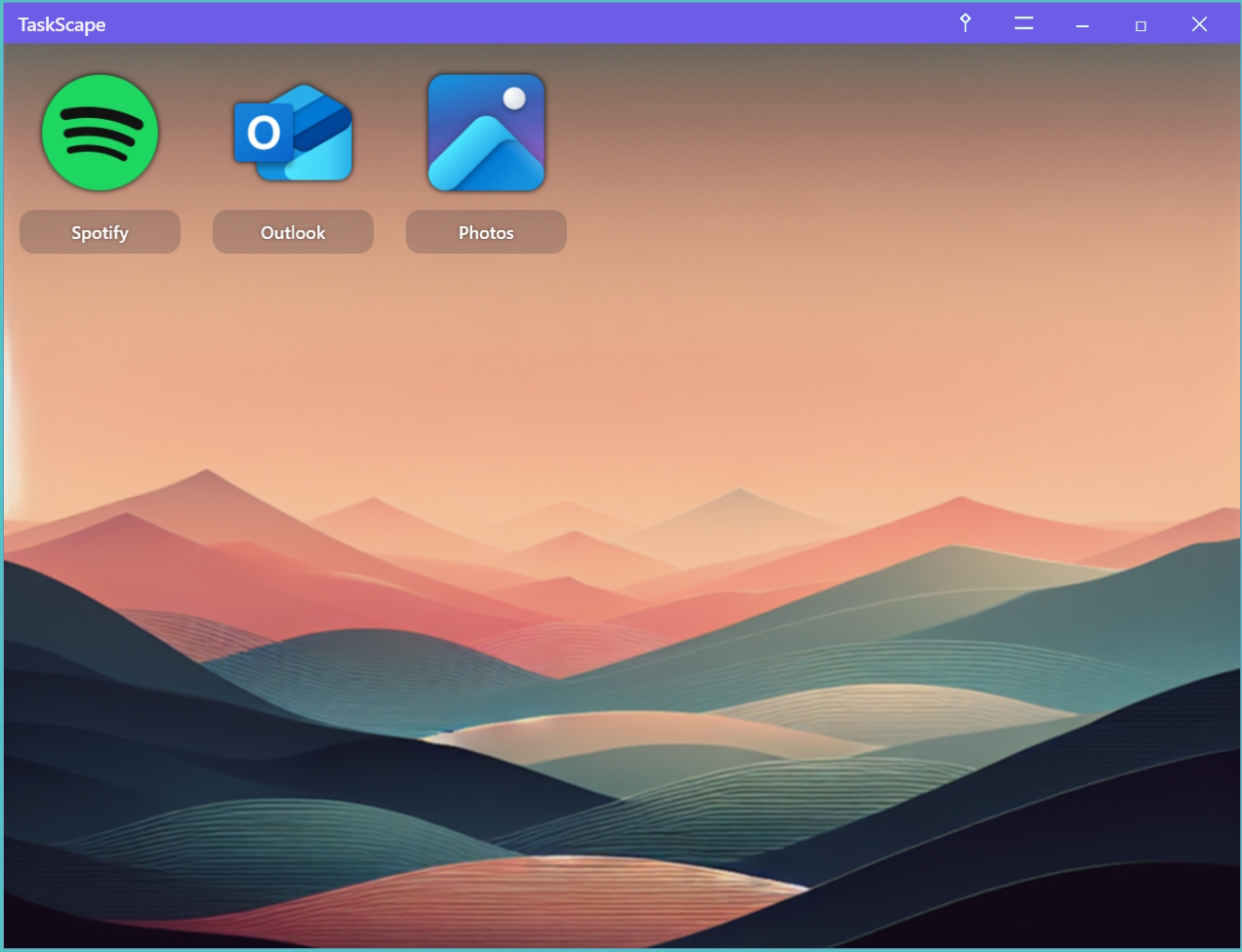
In TaskScapes, you can use a standard color, gradient and transparency background or you can choose an image from your computer or use AI to generate one.
Show your Team Pride
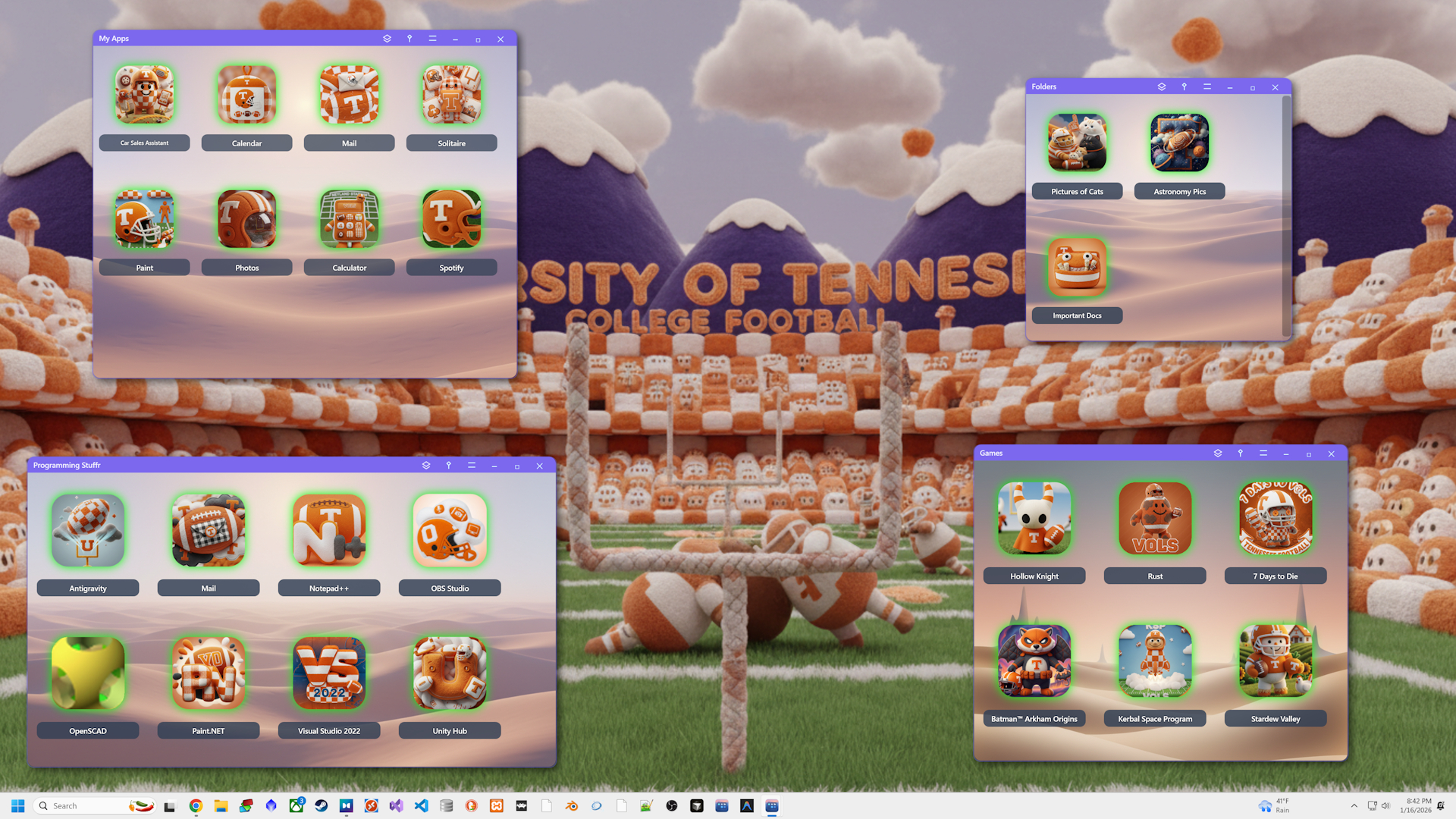
I'm originally from Michigan but I live in Tennessee so I put University of Tennessee College Football as my Theme and used Plush as my Style.
The AI image generation always surprises me and sometimes makes me lol. Look at the 7 Days to Die which is a zombie survival game. It changed it to 7 Days to Vols.
AI and the Robots Take Over!
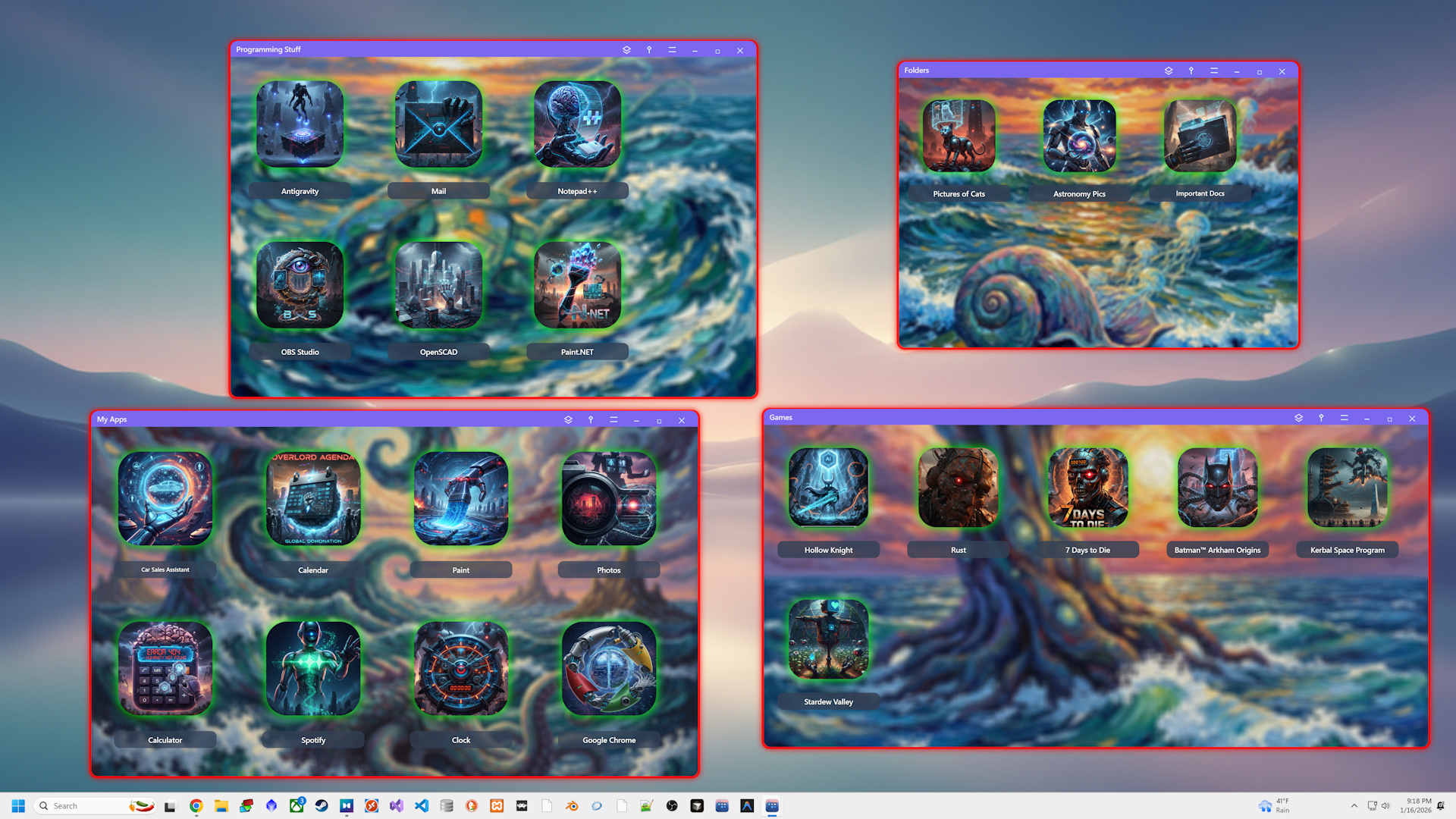
The style was Cinematic Realism
If You Love Animals...
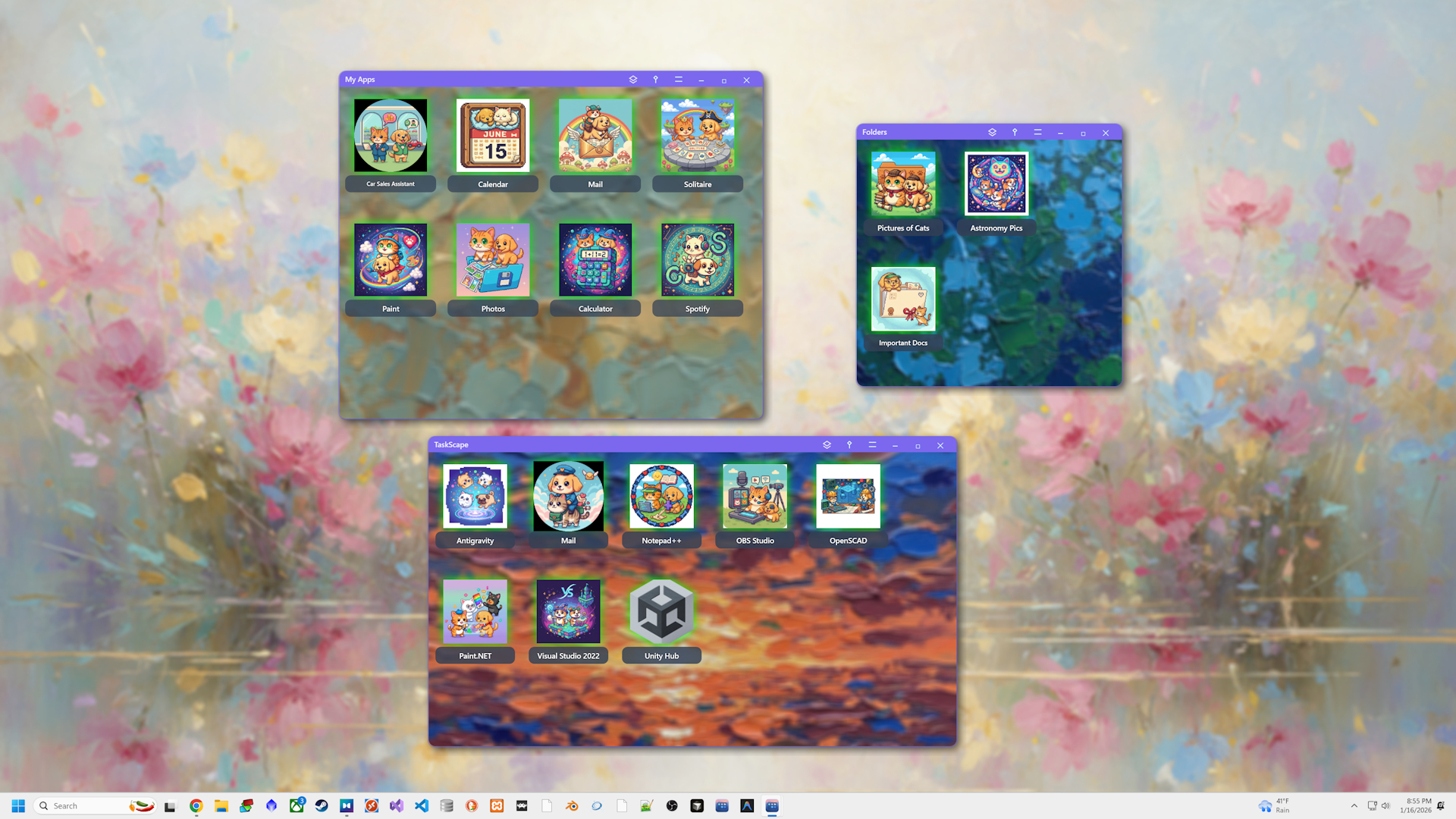
You can create anything! Your imagination is your only limit.
Want to build your own?
Download TaskScapes and make your first TaskScape in minutes.